A digital declutter does not require abandoning the internet or deleting every enjoyable app. Start with the parts of your phone that repeatedly interrupt you without helping. The goal is a device that is easier to use on purpose. Keep the functions that support work, accessibility, relationships and enjoyment, and adjust the noise around them.
Choose one recurring frustration
Perhaps the lock screen is crowded, the home screen hides useful tools or you open an app automatically while looking for something else. Pick one problem to solve. A complete digital overhaul can become a long task with little everyday benefit. The best adjustment is one you notice during a normal day, not just in a tidy screenshot.
Self-care guidance includes making room for priorities and enjoyable activities. This digital tidy-up is a practical exercise, not a treatment or a dopamine reset.
Background guidance: NIMH: Caring for your mental health; NHS: Five steps to mental wellbeing.
Four practical steps
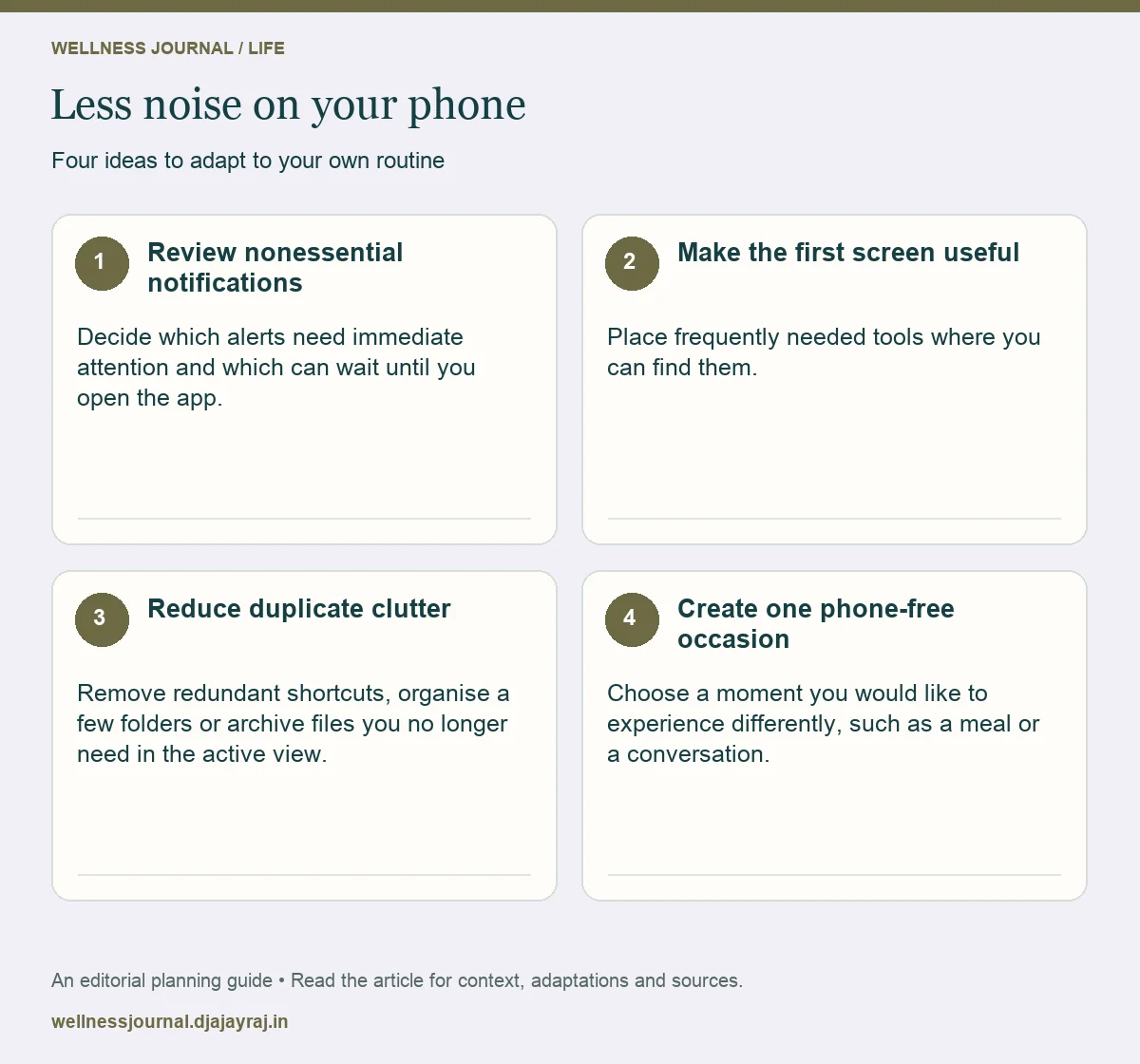
Review nonessential notifications
Decide which alerts need immediate attention and which can wait until you open the app. Preserve important safety, work or accessibility alerts. Make changes deliberately rather than switching everything off and discovering later that you missed something essential.
Make the first screen useful
Place frequently needed tools where you can find them. Move distracting shortcuts if that helps you choose when to use them. You do not have to hide entertainment permanently; the aim is to make opening it a conscious choice.
Reduce duplicate clutter
Remove redundant shortcuts, organise a few folders or archive files you no longer need in the active view. Check backups and recovery options before deleting anything important. Start with reversible changes when you are unsure.
Create one phone-free occasion
Choose a moment you would like to experience differently, such as a meal or a conversation. Put the phone somewhere practical for that period, while allowing for caring or work responsibilities. Keep the boundary specific and flexible.
Match a change to a frustration
| Frustration | Small adjustment | Keep accessible |
|---|---|---|
| Too many interruptions | Review nonessential alerts | Urgent contacts |
| Hard to find tools | Simplify the first screen | Accessibility functions |
| Automatic app opening | Move a shortcut | Intentional leisure use |
| Cluttered files | Archive safely | Important backups |
Make it work for you
Judge the result by daily use
After a few days, ask whether the device feels easier to use and whether you missed anything important. Restore a setting if the change caused problems. Screen time alone does not describe the value of every activity: a long supportive call is different from unwanted scrolling. Focus on what you want the phone to help you do.
Use one intentional opening question
Before unlocking, ask what you came to do. Complete that action, then decide whether you want to stay. This is a practical pause, not a rule you must follow perfectly.
Quick checklist
- Preserve important alerts and accessibility.
- Check recovery before deleting files.
- Measure usefulness rather than chasing a perfect screen-time number.
Common questions
Do I need a complete digital detox?
Not necessarily. A few targeted changes may solve the actual problem while keeping useful parts of technology.
Is all entertainment screen time harmful?
A simple total cannot answer that. Consider enjoyment, responsibilities, sleep and whether the use feels chosen or difficult to control.