A comfortable desk setup should let you work without repeatedly reaching, twisting or leaning to see. Begin with adjustments to what you already have. New equipment may help, but it is easier to choose when you know the problem it needs to solve. No single seated position should be treated as something you must hold rigidly all day.
Observe a real task at the desk
Open the document or tool you use most and notice where your hands, eyes and feet naturally go. A tidy desk photograph may hide awkward reaching during actual work. Consider screen visibility, keyboard position and the items you repeatedly pick up. Adjust one part, then try the task again.
OSHA's workstation checklist considers posture, reach and equipment adjustability. NEI guidance also supports breaks from prolonged close visual work.
Background guidance: OSHA: Computer workstation evaluation; NEI: Keep your eyes healthy.
Four practical steps
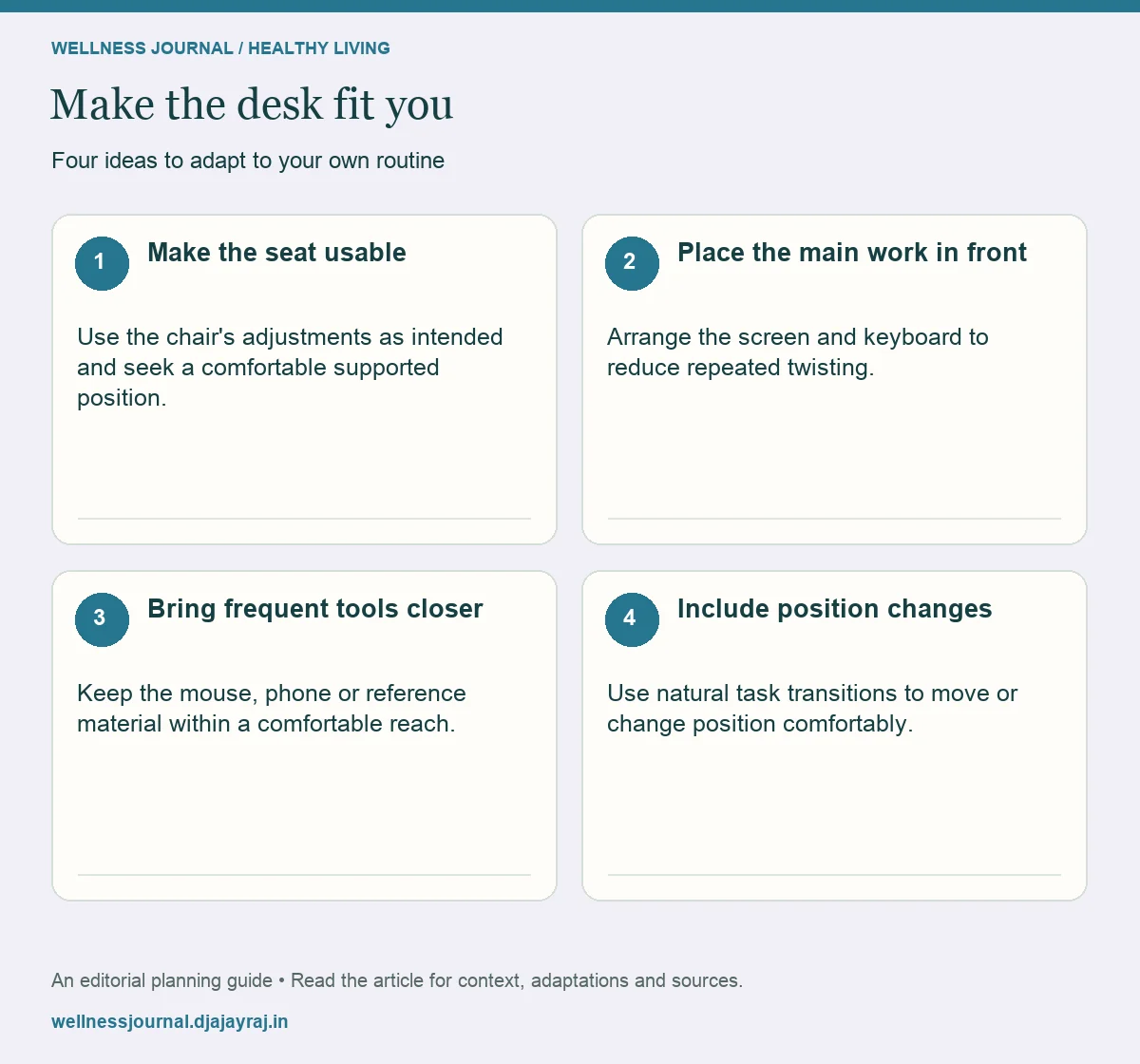
Make the seat usable
Use the chair's adjustments as intended and seek a comfortable supported position. Consider whether your feet and legs are supported appropriately. Avoid unstable improvised supports.
Place the main work in front
Arrange the screen and keyboard to reduce repeated twisting. If you use several screens, consider which one receives most attention. Increase text size rather than leaning forward to read tiny content.
Bring frequent tools closer
Keep the mouse, phone or reference material within a comfortable reach. Move occasional-use items farther away. Avoid resting against sharp desk edges for long periods.
Include position changes
Use natural task transitions to move or change position comfortably. A standing desk is an option, not a requirement to stand all day. Persistent pain needs assessment beyond rearranging equipment.
Match the purchase to a real problem
| Problem | Adjustment to try | Possible further help |
|---|---|---|
| Leaning to read | Increase text size; adjust screen | Eye-care advice |
| Reaching for the mouse | Bring it closer | Ergonomic assessment |
| Unsupported position | Use chair adjustments safely | Suitable equipment guidance |
| Long static work | Add task transitions | Workplace support |
Make it work for you
Use workplace support where available
An occupational-health or ergonomics assessment can help when your needs are more complex. Tell the assessor what tasks you perform and which symptoms or access issues occur. A general checklist cannot determine the cause of pain or prescribe the right equipment for every person.
Change one setting and test the task
Avoid adjusting everything at once. A small controlled change makes it easier to know what helped and to undo what did not.
Quick checklist
- Arrange tools around actual use.
- Avoid unstable improvised supports.
- Seek assessment for persistent symptoms.
Common questions
Is there one perfect posture?
A comfortable supported setup matters, but remaining rigidly still is not the goal. Position changes and task fit also matter.
Do I need a standing desk?
Not automatically. Consider the problem you want to solve and whether a simpler adjustment would help.